Signing In
First-time Sign In
After registration, check your registered email address for a verification request from Zlendo Realty Support.
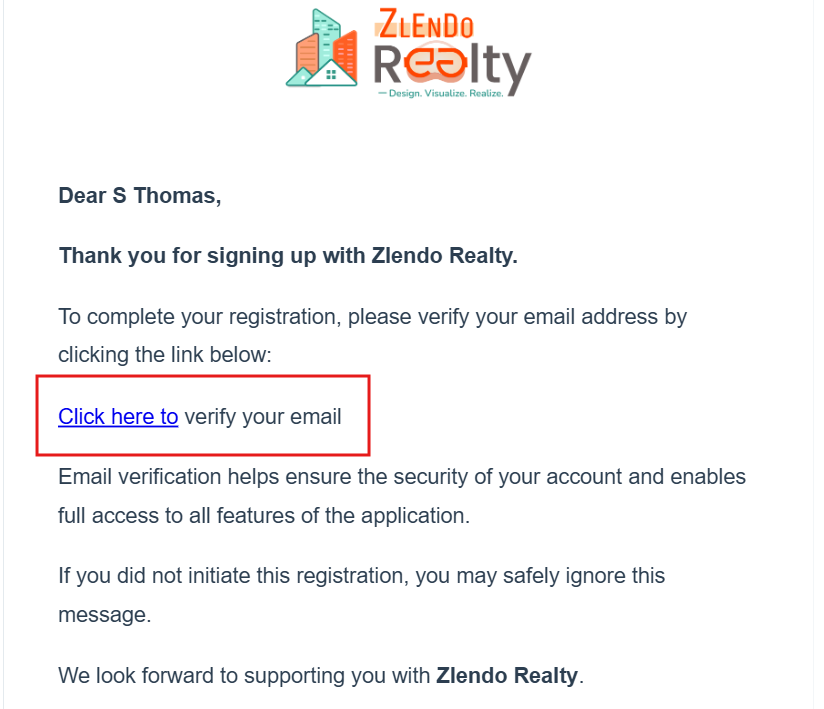
Cannot find the email from Zlendo Realty?
Check your Junk mail folder in case you have preset mail filters.
Verifying Your Email address
Click on the verification link. You will be redirected to the Zlendo Realty Sign In page.
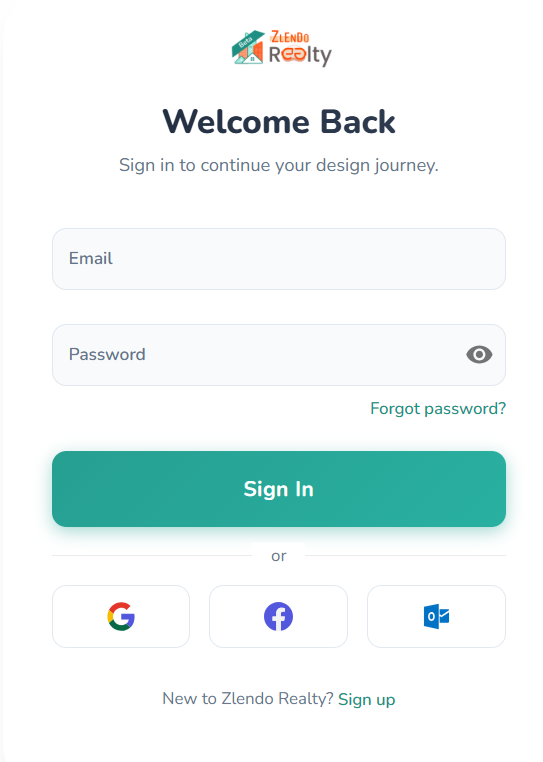
Enter your registered email and password (created at the time of registration).
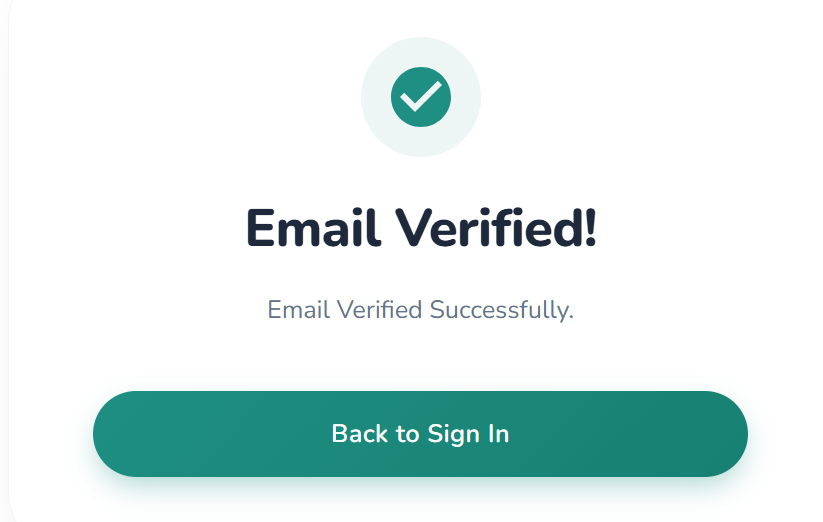
You will see the Email Verified success notification.
Signing In after Verification
To Sign in after email verification, click on the Back to Login green button.
Enter your registered Email and Password.
Click on Sign In. Voila! You are in your Zlendo Realty Dashboard!
Other Sign In Options
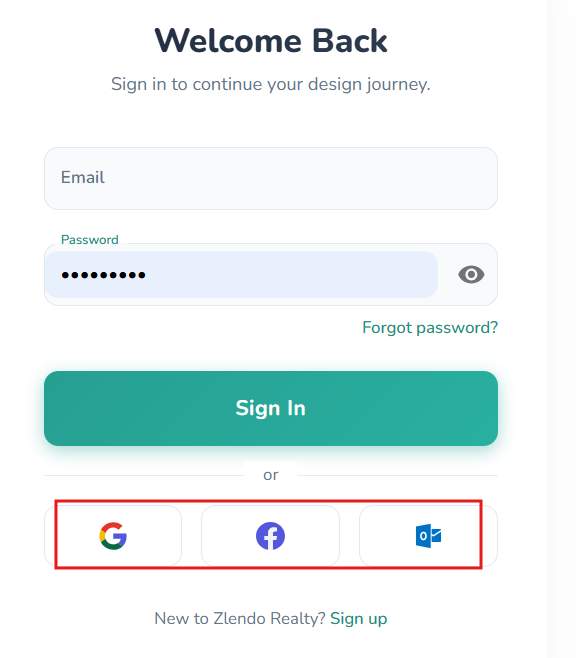
Alternative sign in options include Social Login (Google / Facebook / Microsoft).
To Sign in using your social / email account, Click on the Google, Facebook or Microsoft Outlook icons.
Need more help?
Can't find the answer you're looking for? Our team is here to help you.
Contact SupportRelated Articles
Export Plan & Floorplan Generator Tool
Export Plans Floorplan Generator Toolbar Current Floor Button: Quickly switch between different floors/levels of your project to view or export specific floors. Reset View & Zoom Icons: Use these to instantly reset your design or adjust the magnification for a detailed look. Style Selector: Customize the visual aesthetic of your plan by choosing from several…
Zlendo Realty Community: Creating Project Templates & Sharing Designs
The Zlendo Realty Community is a vibrant digital hub designed for architects, interior designers, and home enthusiasts to connect and grow. It serves as a collaborative space where creativity meets professional insight, allowing users to move beyond individual drafting and into a shared ecosystem of design. Sharing Design Templates Community –> Share Post –> Recent…
Payment & Billing
There are several ways to view the Plan cards and to Upgrade your current plan to a paid version. Steps to Upgrade 1. From the Zlendo Realty Dashboard On the Dashboard left-hand sidebar, click on the Plan tab. Alternatively, you can also click on: – the Upgrade Now button located in the promotional banner at…